
Build Whatever Controls
Placement accuracy matters more than hotkeys. Here is the layout players actually fight.
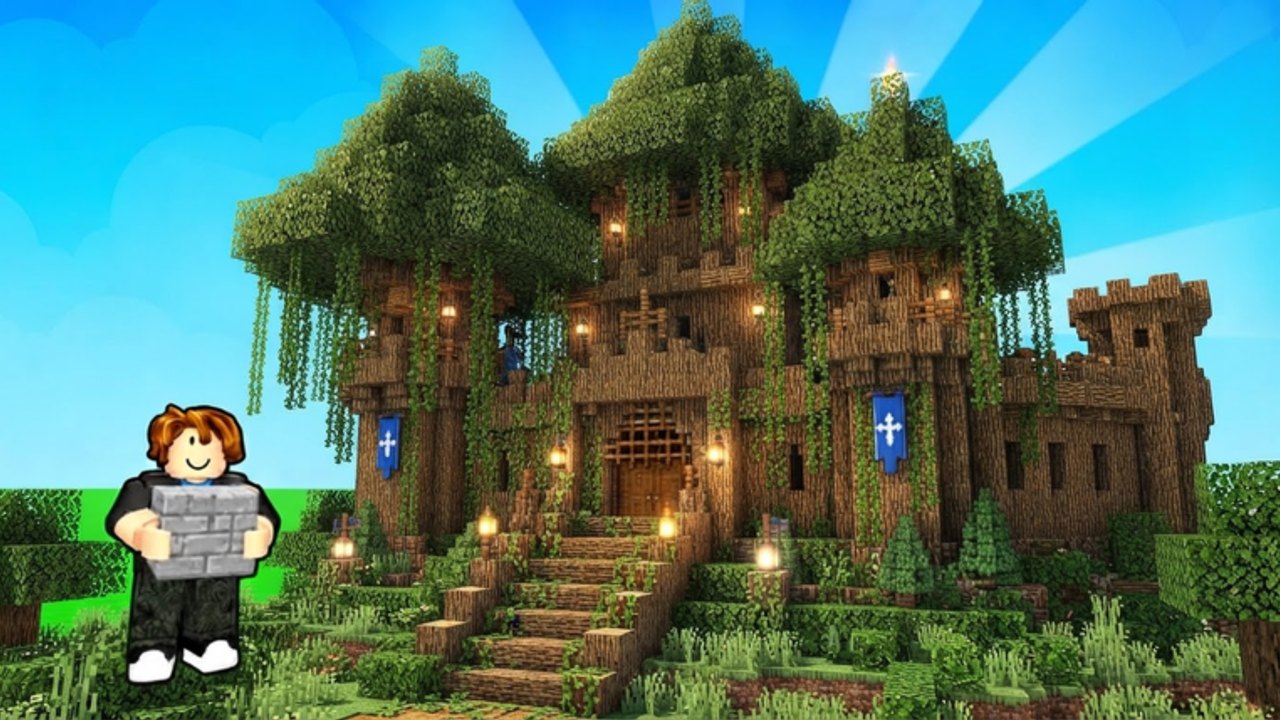
Build Whatever uses standard Roblox movement plus a sandbox placement layer. The pain is not learning WASD. The pain is placing a door two studs off because the camera was in the floor. This page is the habit list we wish sat on the pause screen.
PC movement and camera
| Action | Input |
|---|---|
| Move | W A S D or arrows |
| Jump | Space |
| Camera | Right mouse drag |
| Zoom | Scroll wheel |
| First person | Zoom in fully |
| Chat | / |
Build while slightly zoomed out. First person is for walking the finished interior, not for aligning a roof. If the camera clips into a wall, back off before you click. A mis-click in this game is a new part, not an undo.
Placement habits
Left click (or tap) places the selected block. Rotate with the in-game rotate control — many Blazely-style sandboxes use R on PC and a rotate button on mobile. Nudge height before you spam. A staircase made of panicked jumps is how people “need” Fly Ability on day one.
Stand on the part you are extending when you can. Placing from mid-air looks cinematic and creates gaps. Close gaps immediately; they become sling-shot tunnels later. The protect guide cares about those tunnels.
Mobile layout
The virtual joystick eats the lower left. Put the build tray on the opposite edge in your head so you do not rotate when you meant to walk. Tap-to-place is less precise: zoom out one notch more than you think. Pinch zoom is easy to trigger while rotating — pause, then place.
If the shop covers the plot, close it fully before you decorate. Accidental Gamepass taps happen on phones. Confirm the picker later, not mid-gesture.
Movement Gamepasses change the feel
Unlock Sprinting (19) makes laps around a large floor faster and makes precise placement harder if you hold the key. Sprint between rooms, walk when you place.
Flying Carpet (99) and Fly Ability (199) are building tools as much as toys. Fly to roof height, then switch to walk for the last studs. People who fly-place entire houses create floating seams. Rankings are on the ability tier page.
Combat tools are also “controls”
If you equip Bat, Sling Shot, Rocket, Sword, or Slap Glove, you are no longer in build mode. Unequip before you return to the house. The number of “I deleted my own wall” stories in this genre is not a mystery.
Practice drill (ten minutes)
In a private server, build a 6x6 room with one door and a two-block window. Walk it in first person. Fix every gap. Then add a second story without fly. If you can do that cleanly, you are ready for friends. If you cannot, do not buy more packs yet — buy patience.
Controls mastery is how free players look richer than UNLOCK EVERYTHING users who never learned to rotate.
Frequently Asked Questions
Quick answers for the searches this sandbox actually creates.
What is the rotate key?
On PC, try R if the on-screen rotate button is hidden. On mobile, use the rotate control in the build tray. Always test on a scrap block first.
Should I build in first person?
No. Use a pulled-back camera to place, then first person to inspect interiors.
Does sprinting help building?
It helps travel. Turn it off while placing or you will overshoot edges.
Can I undo a misplaced block?
There is no reliable global undo. Delete the part with a destruction tool or overwrite carefully — preferably in private.